Catch it before it's gone.
Quick, colorful notes for the browser and Android. They work offline and sync through your own server. There is no hosted Catch.
Open source. Imports from Google Keep.
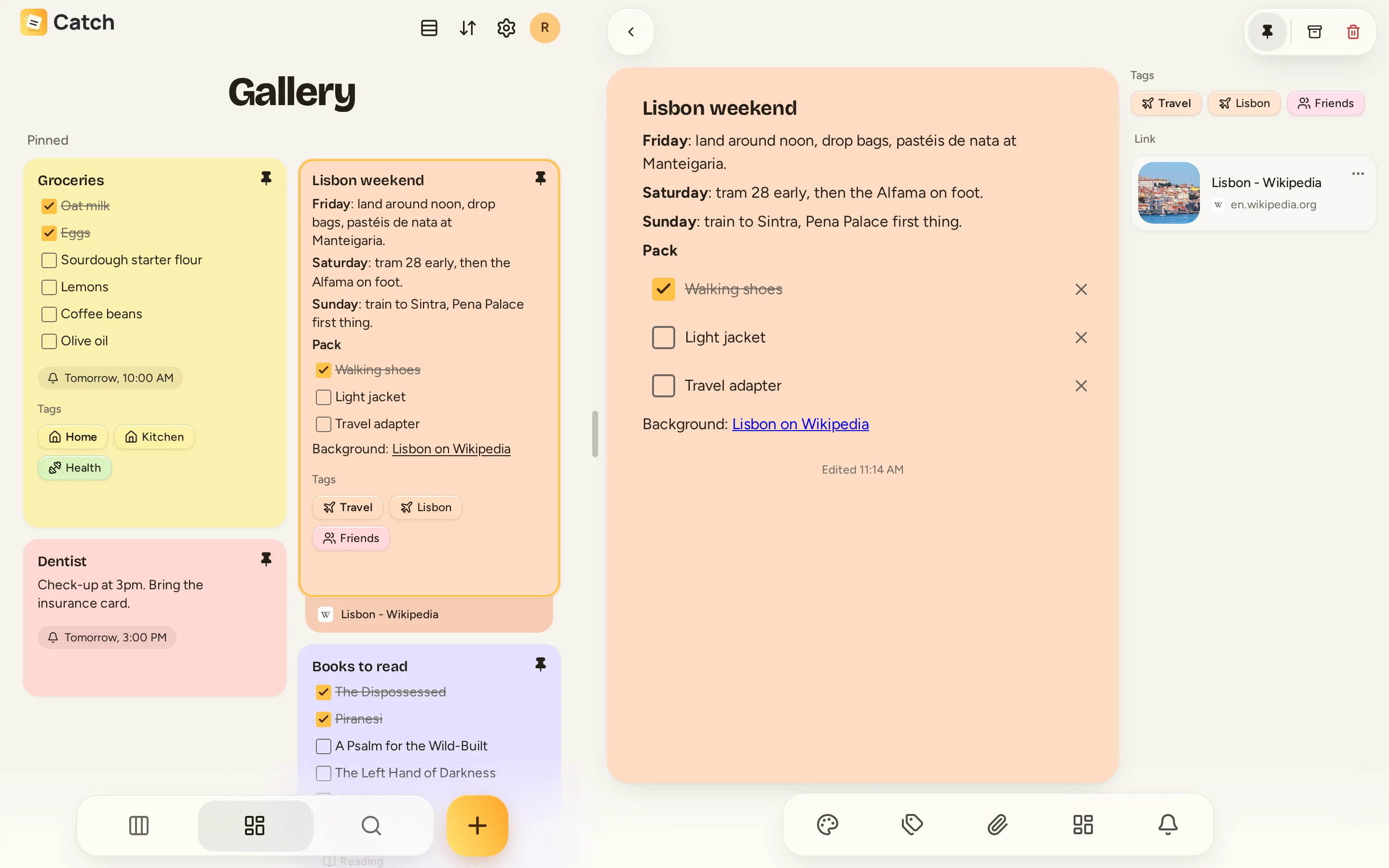
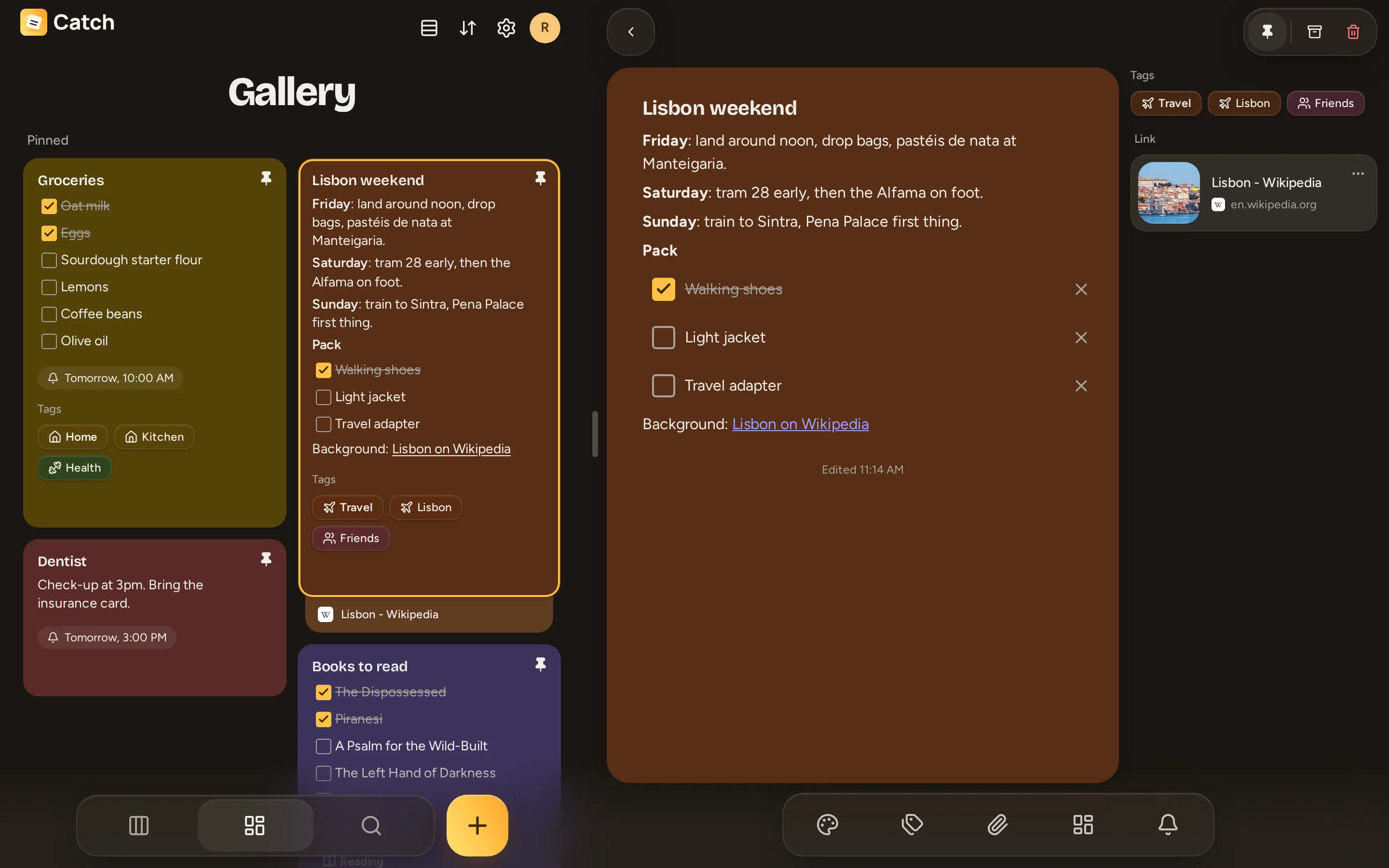
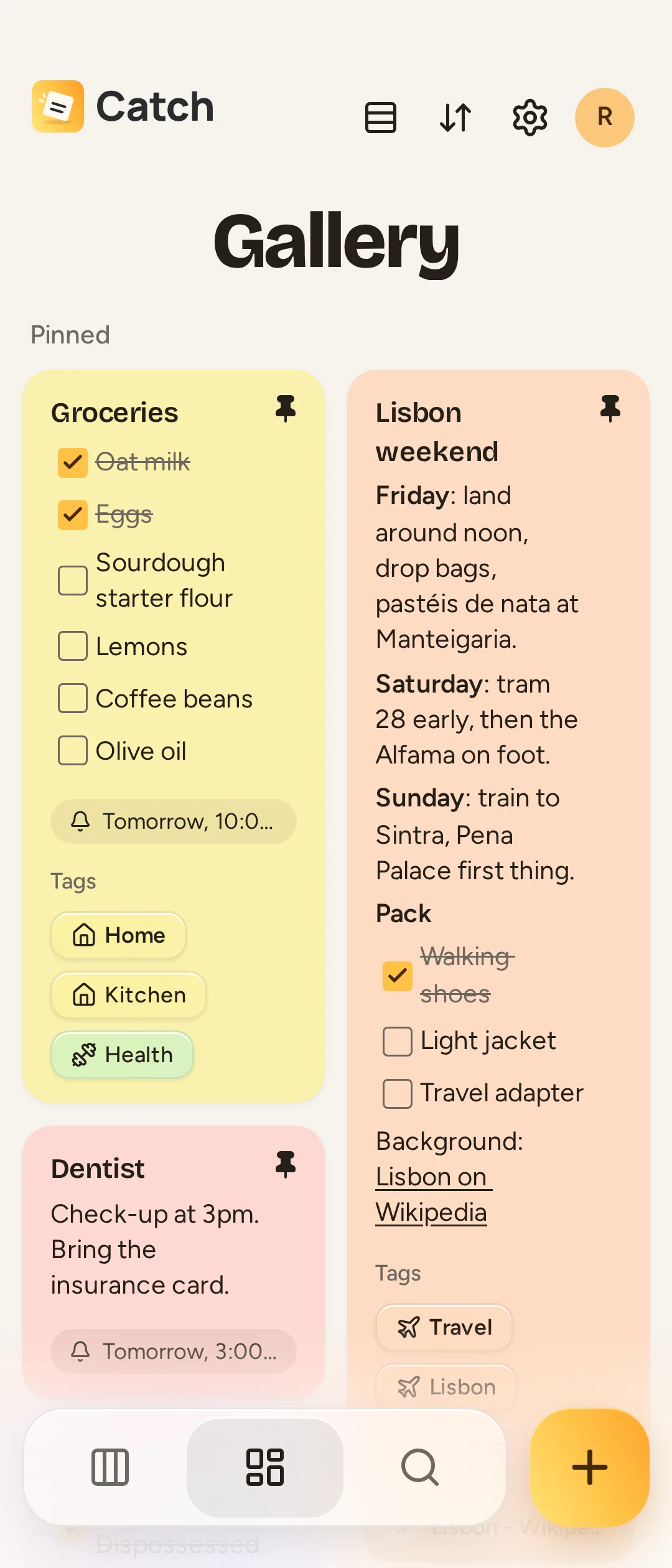
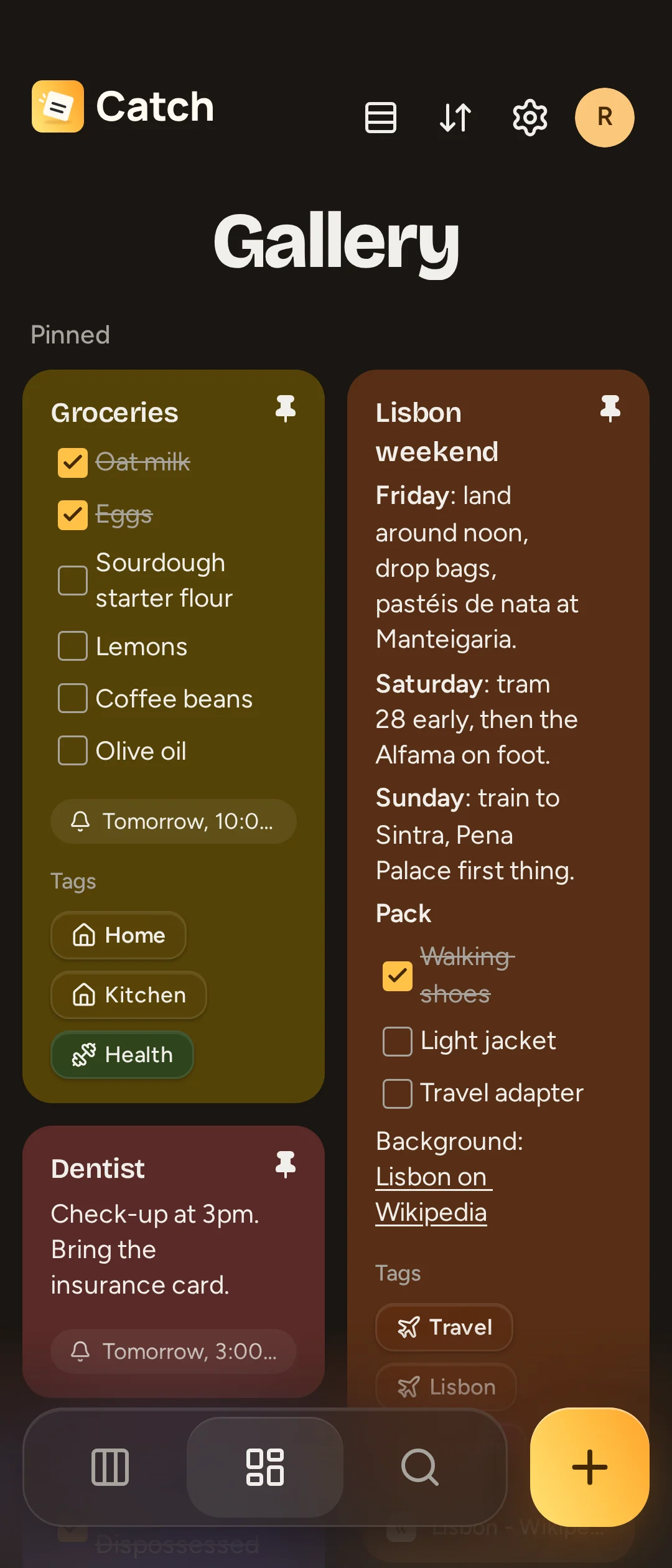
If you know Keep, you know Catch.
Colors and pins
Eighteen colors and a pinned row.
Checklists
Tick items off right on the card.
Reminders
Once or on a repeat.
Archive and trash
Put notes away, or get them back.
Works offline.
Notes live on the device and sync when the signal comes back.
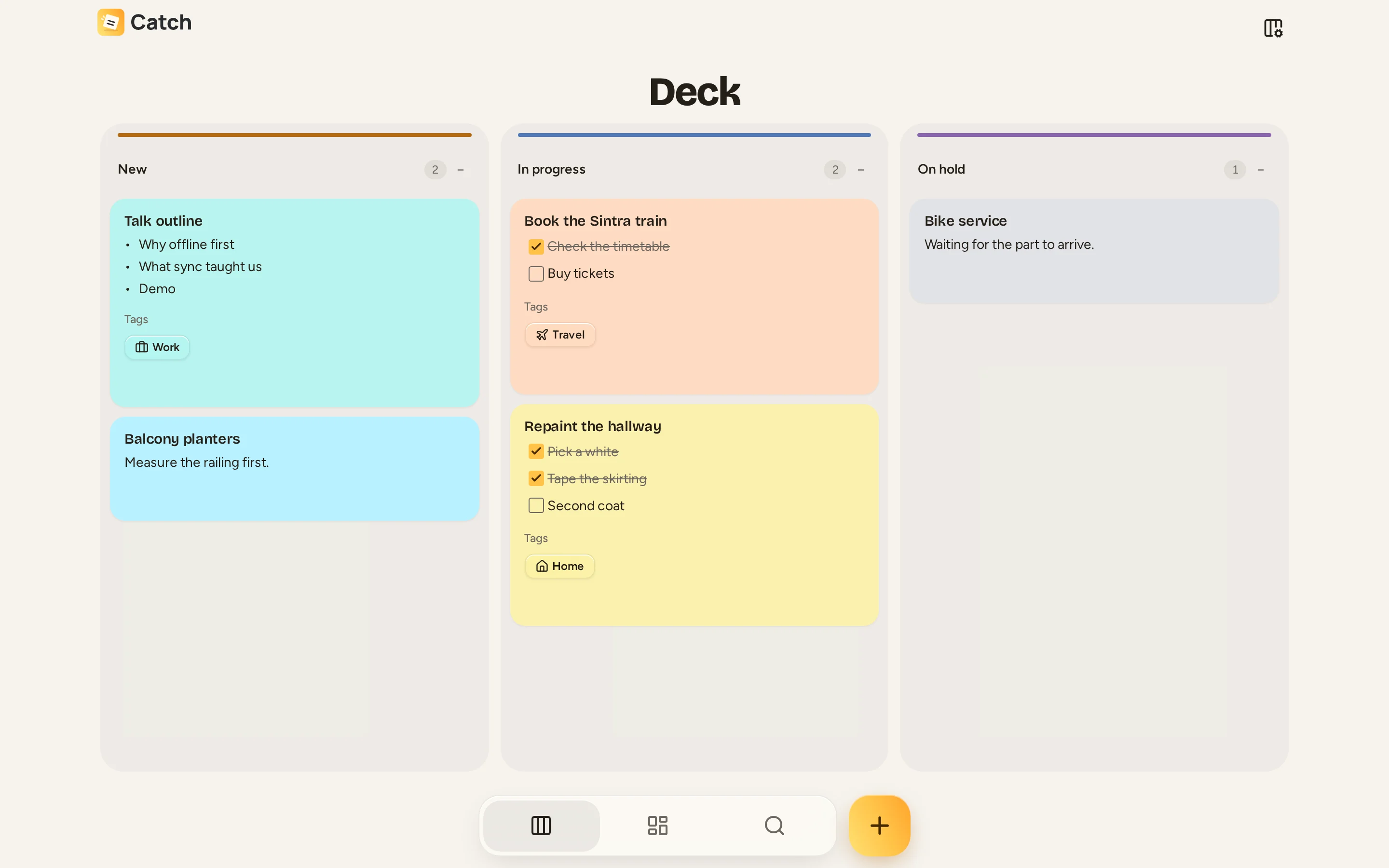
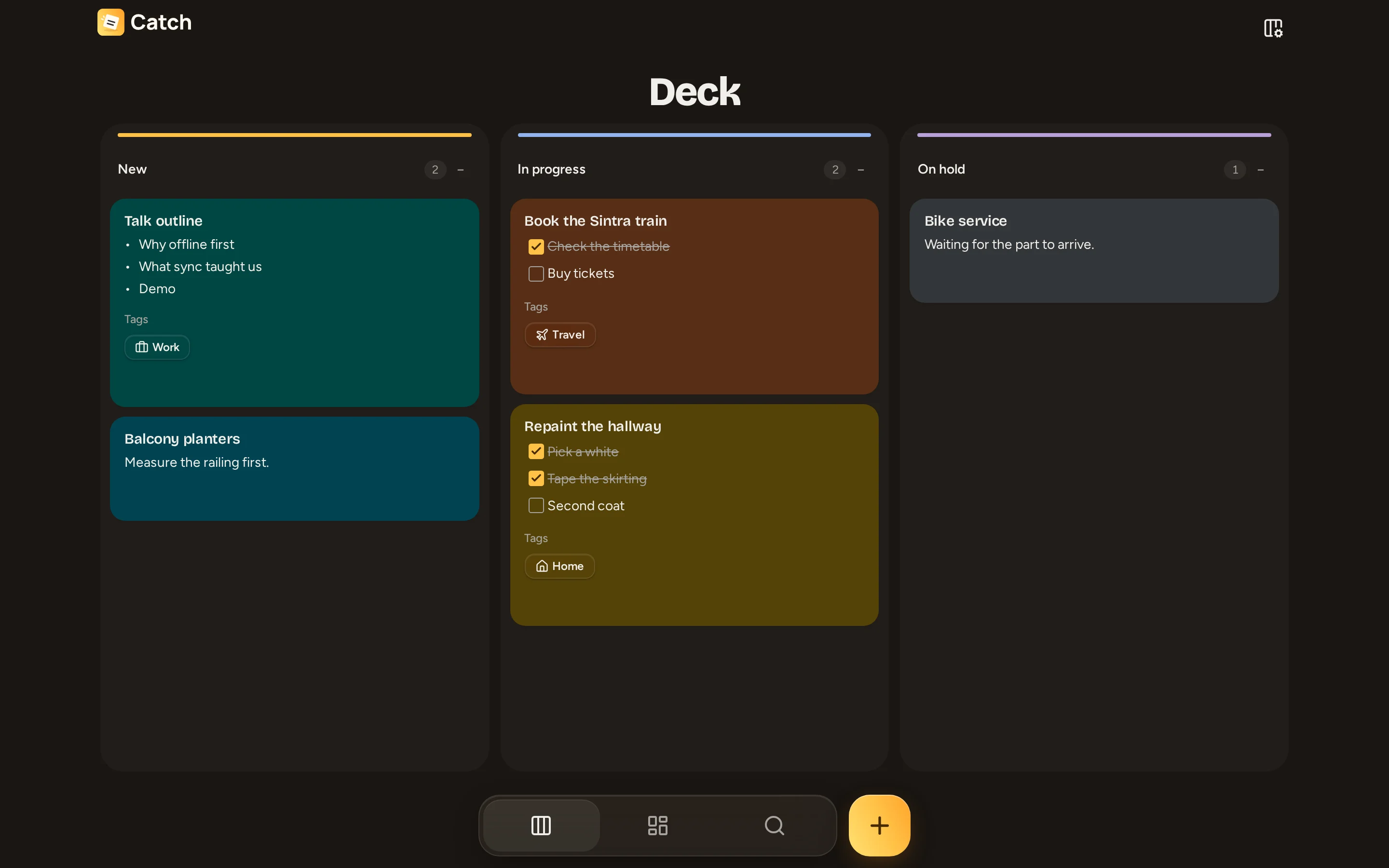
Notes on deck.
A home for the notes that need your attention.
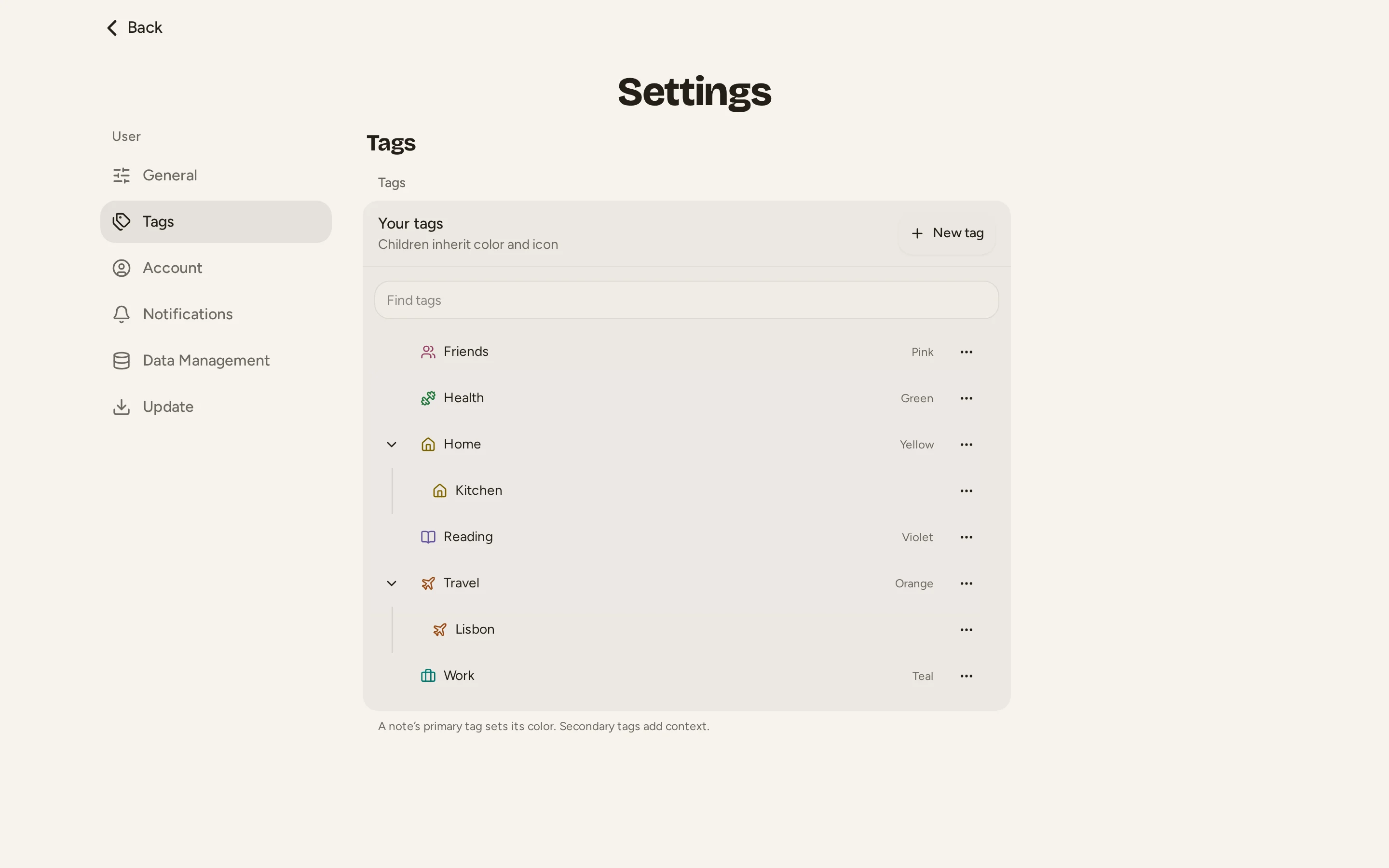
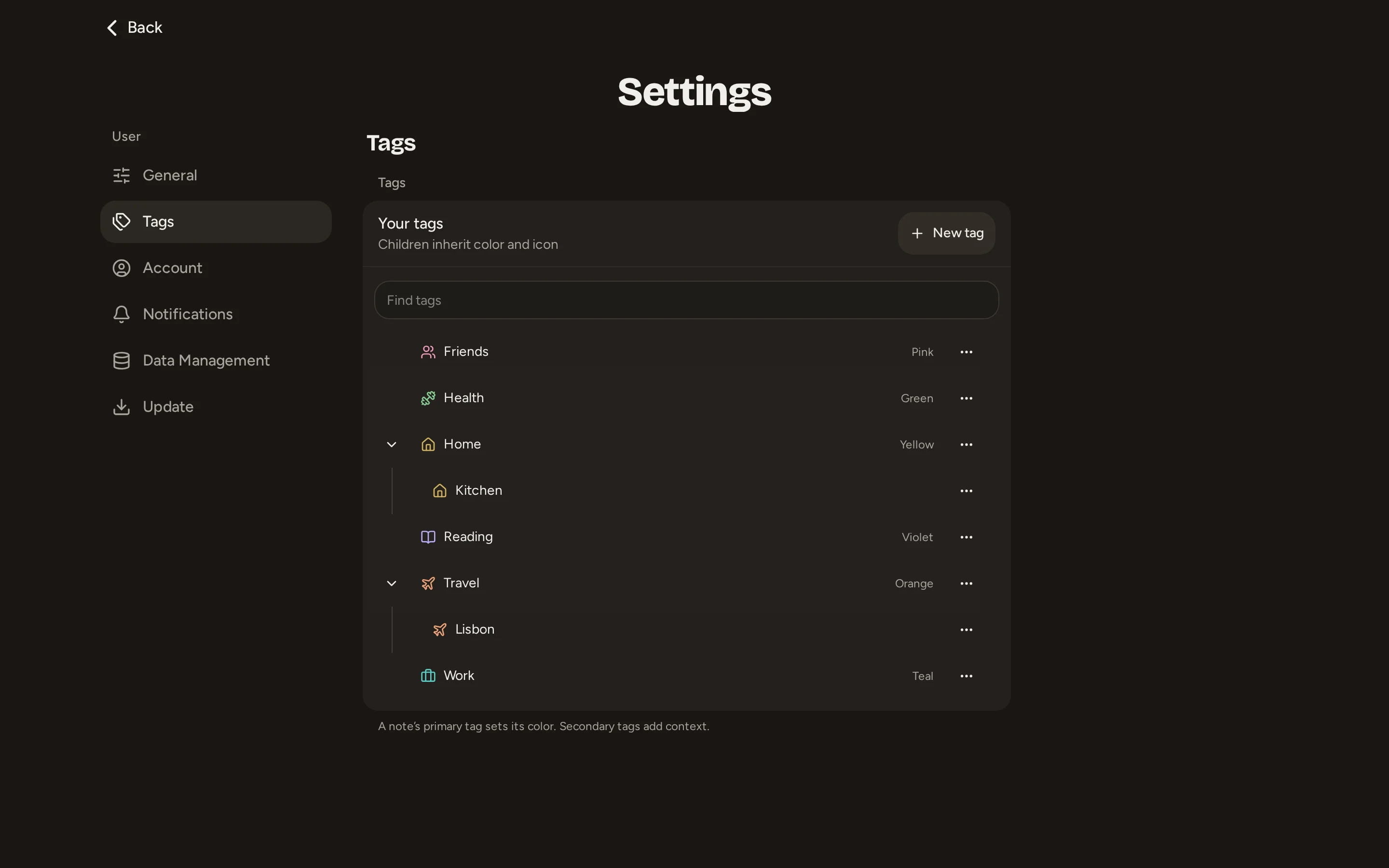
Tags that nest.
Tags sit inside tags, and a top-level tag gives its notes a color.
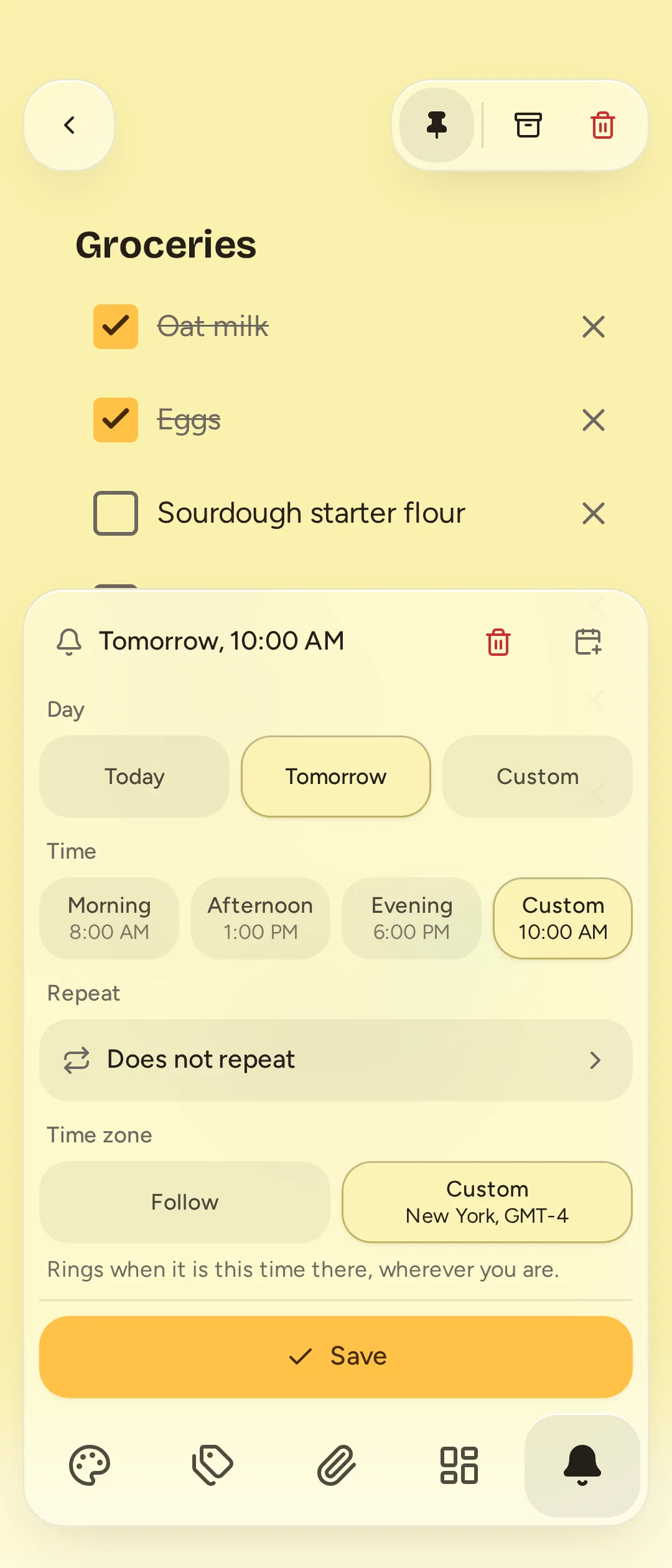
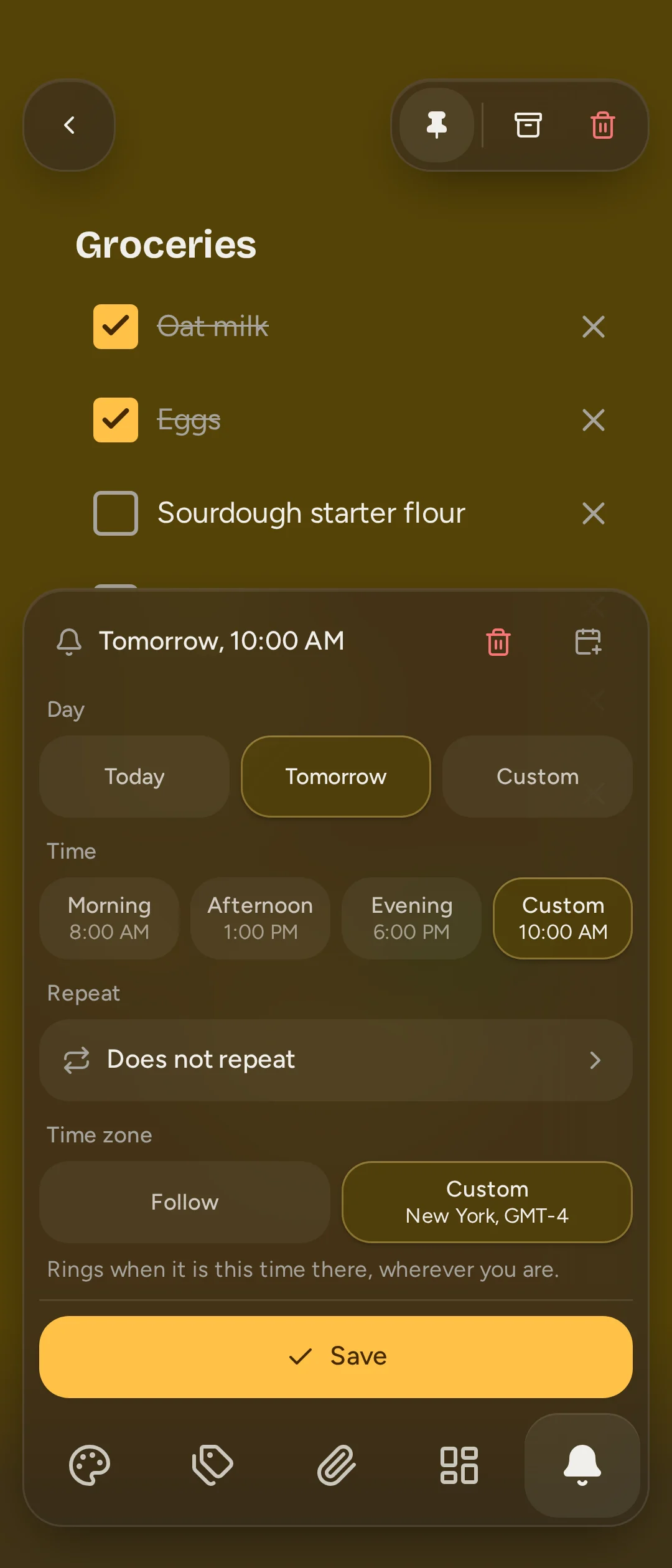
Reminders that repeat.
Every weekday, or the second Tuesday of the month.
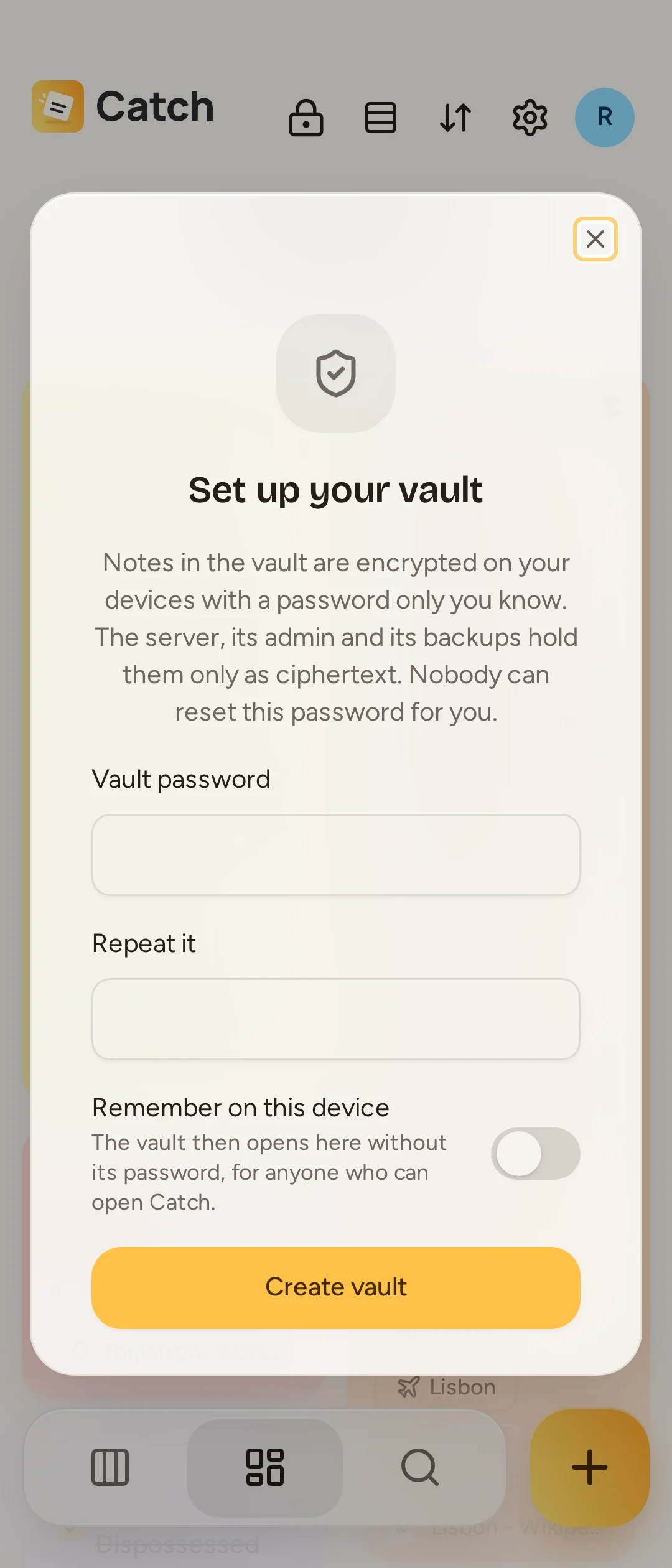
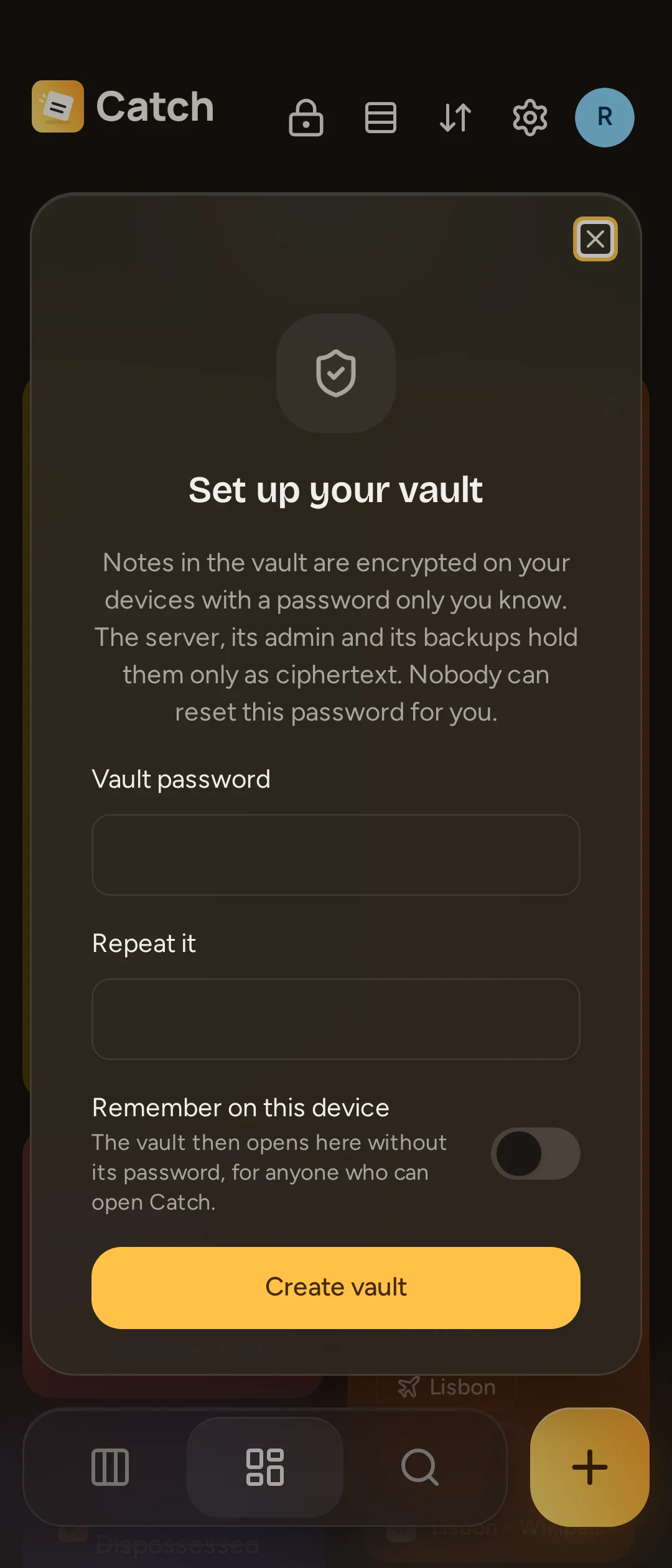
A vault for private notes.
Notes and files encrypted on your devices, with a separate password. The server and its backups hold only ciphertext. Ordinary notes stay outside the vault.
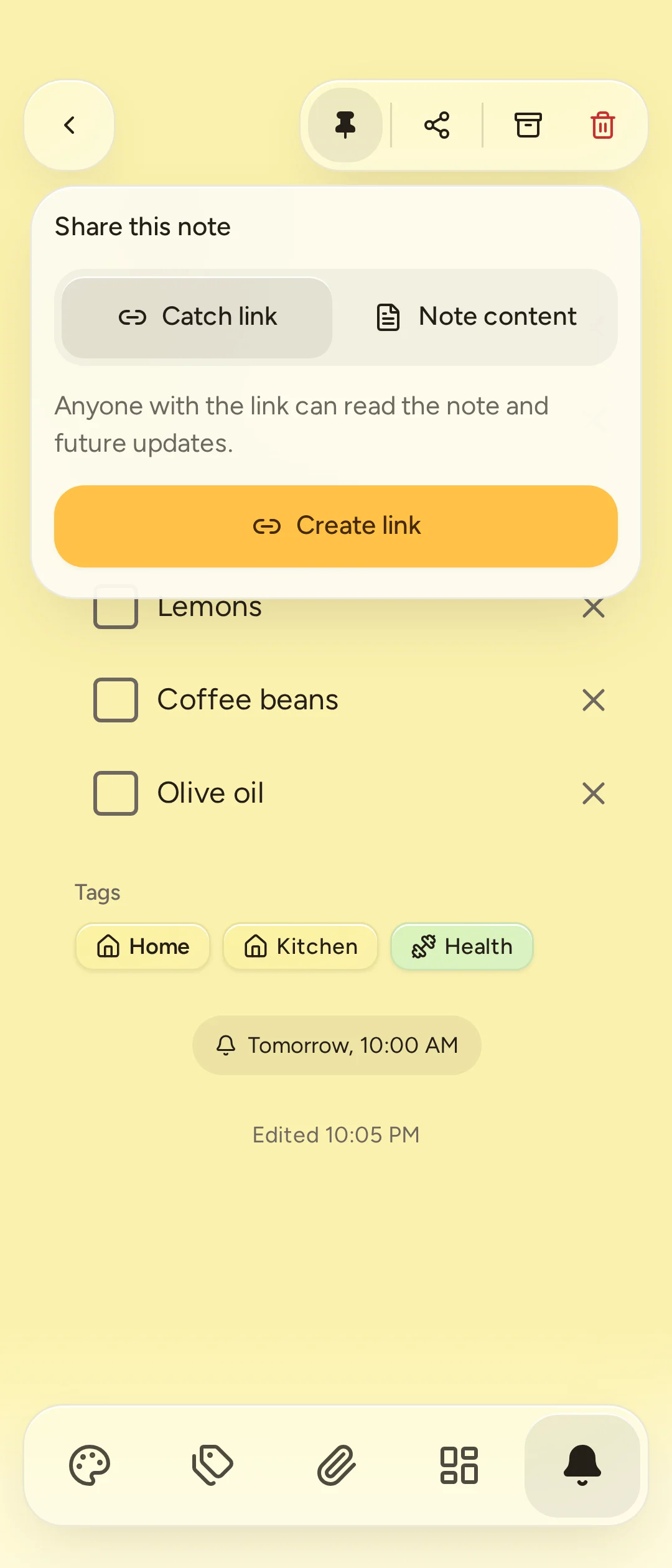
A note you can pass along.
Send a read-only link with files and future updates, or a Markdown copy of the text. Anyone with the link can read it. You choose when to stop sharing.
- Attachments
- Link previews
- Rich text
- Search by tag or color
- Select several notes
- Add to Google Calendar
- Share to Catch on Android
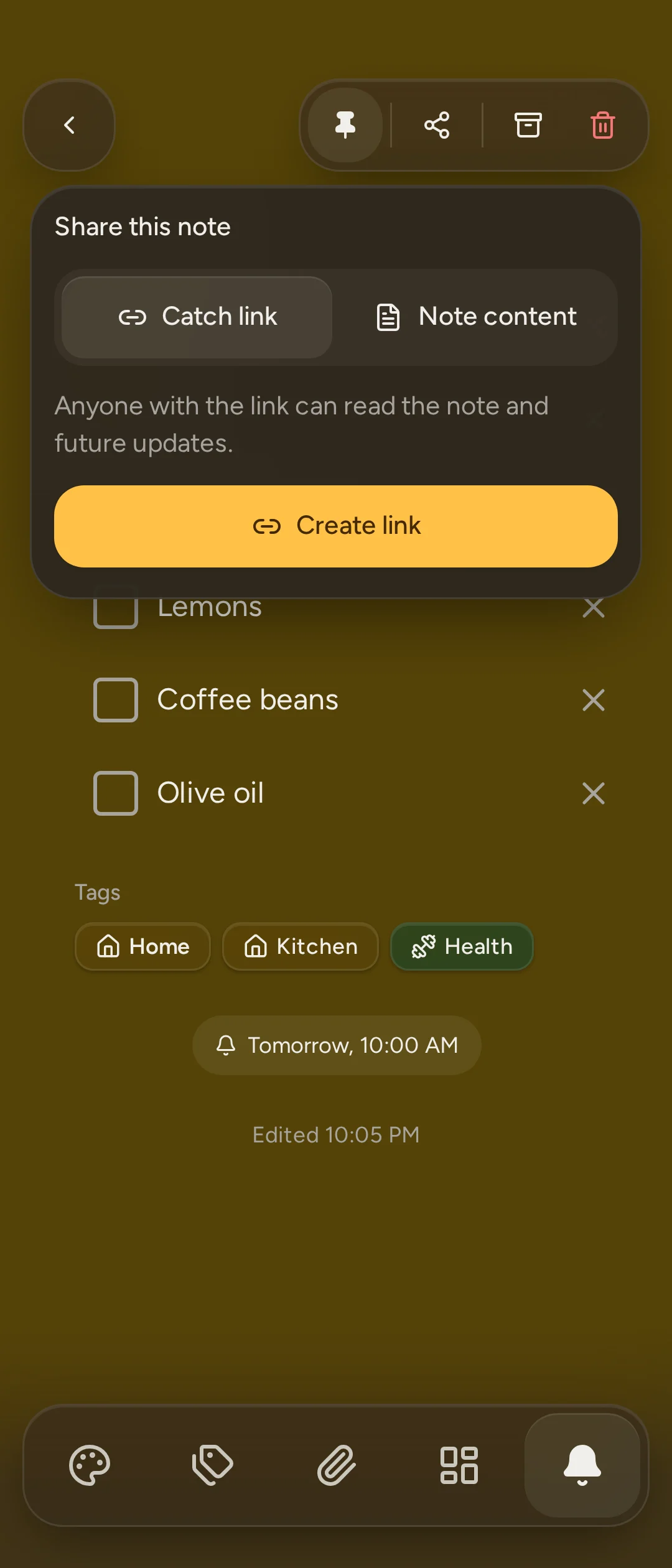
- Light and dark
Motion that feels thoughtful.
Yours to run.
One Docker Compose file, on a home server or a small VPS.
Invite your people
The admin invites by link. Everyone sees only their own notes.
Backups built in
Back up and restore the whole server from Settings, by hand or every day.
Updates you choose
Follow stable releases, try previews, or stay on one version.
Where Catch stands.
Next to Google Keep and two open source alternatives, losses included.
| Feature | Catch | Google Keep | Memos | Notesnook |
|---|---|---|---|---|
| Runs on your own server | Yes | No | Yes | PartlyThe sync server can be self-hosted; alpha, unsupported |
| Hosted service you can sign up for | NoYou need a server | Yes | No | Yes |
| Open source | YesMIT | No | YesMIT | YesGPLv3 |
| End-to-end encryption | PartlyVault notes and files; ordinary notes are not encrypted | No | No | Yes |
| Works offline | Yes | Yes | NoCommunity apps add it | Yes |
| Android app | YesFrom GitHub, not Google Play | Yes | PartlyCommunity apps | Yes |
| iPhone app | No | Yes | PartlyCommunity apps | Yes |
| Note colors | Yes | Yes | No | Yes7 on the free plan |
| Checklists | Yes | Yes | YesMarkdown task lists | Yes |
| Reminders | YesOne-off and repeating | Yes | No | Partly10 on the free plan; repeating ones are paid |
| Share a note with someone | YesRead-only links | YesAnd edit it together | YesRead-only links | PartlyRead-only links |
| Board for notes in progress | Yes | No | No | No |
| Import from Google Keep | Yes | YesIt is Keep | No | Yes |
| Price | Free; you pay for the server | Free | Free; you pay for the server | Free plan; paid plans from $1.99 a month |
Checked on October 7, 2026 against each product's own pages: Google Keep, Keep sharing, Keep privacy, Memos, Memos sharing, Notesnook, Notesnook sharing, Notesnook sync server.
Bring your Keep notes.
- 1
Export from Google
Google Takeout sends your Keep data as a zip.
- 2
Choose the file in Catch
Settings > Data Management. The zip is read on your device, never uploaded.
- 3
Check and confirm
Review what Catch found. Importing again skips what you already have.
Run your own Catch.
You need Docker and an HTTPS address.
1. Download the two files
mkdir catch && cd catch
curl -fsSLO https://raw.githubusercontent.com/iiloni/catch/main/docker-compose.yml
curl -fsSL -o .env https://raw.githubusercontent.com/iiloni/catch/main/.env.example
chmod 600 .env
2. Fill in four settings
In
.env: your address (BETTER_AUTH_URL) and three secrets (BETTER_AUTH_SECRET,POSTGRES_PASSWORD,ELECTRIC_SECRET). This makes one:openssl rand -hex 323. Start it
docker compose up -dPoint your reverse proxy at port 3000. The first account you create is the admin.
Someone runs a server for you?
Open its address and sign in with your invite. On Android, enter the address on first launch.
Get the Android app